Free Shipping on Orders of $75 or more.
Sell Books in Your Shopify Store
Adding book to your cart
Report copyright infringement
by C. J. Benton (Author)
Learn Excel By Example - Updated for Office version 2019!
Ready to learn Microsoft Excel(R), but not sure where to start? This user-friendly and practical resource is tailored for beginners and will teach you how to navigate Excel and 30 of the most frequently used formulas & features. Each example includes step-by-step instructions with screenshots.
Organized into 3 step-by-step sections, allowing you to grow your knowledge of Excel at your own pace:
Exercise Files Included!
Section 1 - Basic Commands
Section 2 - Toolbar (Ribbon) Navigation
Section 3 - Formulas
No books in the cart.
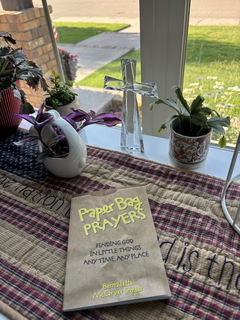
A small yet very thoughtful devotional book. A beautiful way to promote seeing God everyday in everything.
The book was bent in the top corner but overall i love it!
Great feel yum yum
genuinely a good read
It’s a great item, exactly what i was expecting 😊