Free Shipping on Orders of $75 or more.
Sell Books in Your Shopify Store
Adding book to your cart
Report copyright infringement
by Libreoffice Documentation Team (Author)
Anyone who wants to get up to speed quickly with LibreOffice Draw will find this guide valuable. You may be new to drawing software, or you may be familiar with another program. This book introduces the main features of LibreOffice Draw. Draw is a vector graphics drawing tool, although it can also perform some operations on raster graphics (pixels) such as photographs. Using Draw, you can quickly create a wide variety of graphical images. A few examples of the drawing functions are: layer management, snap functions and grid-point system, dimensions and measurement display, connectors for making organization charts, 3D functions that enable small three-dimensional drawings to be created (with texture and lighting effects), drawing and page-style integration, and Bézier curves. The Draw Guide is not a course book to be worked through from beginning to end. Rather, it is a reference work in which you can browse for guidance on particular topics.
No books in the cart.
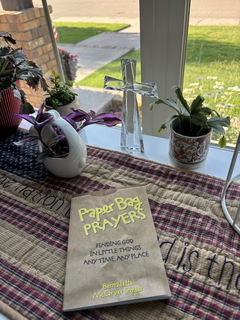
A small yet very thoughtful devotional book. A beautiful way to promote seeing God everyday in everything.
buen libro para dar los primeros pasos para aprender inglés
The book was bent in the top corner but overall i love it!
Great feel yum yum
genuinely a good read